
道Dojo · · 3 min read
Three WordPress security releases in 18 days. Who clicks at yours?
WordPress 7.1.3 closes seven holes, 7.1.2 closed a critical one before it. The update takes minutes. The problem is that often nobody feels responsible for it.
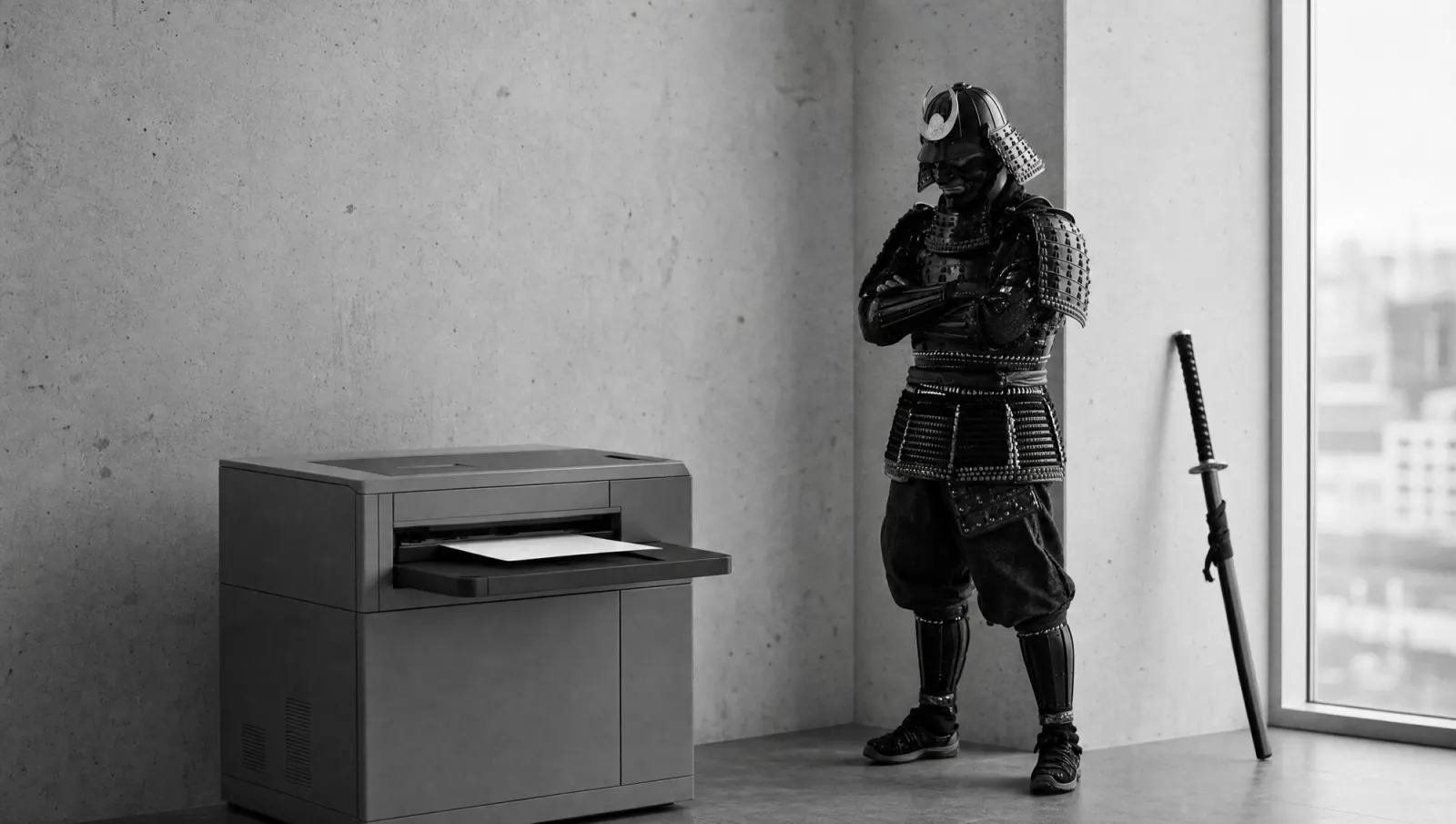
Before any WordPress update, the samurai takes a backup, spins up a staging copy and lowers his visor.
He has been busy. WordPress shipped three security releases in 18 days: 7.1.1 on 18 September, fixing 11 vulnerabilities according to Pantheon, 7.1.2 on 22 September with a single but nasty one, and 7.1.3 on 6 October with seven fixes.
What was in it this time
The official 7.1.3 announcement lists, among others, a stored XSS on the Comments admin screen, a SQL injection in the WXR export, and a way to read comments on private and unpublished posts without logging in. WordPress recommends updating immediately.
According to Patchstack, it is urgent but not a drop-everything emergency. Two points from their analysis are worth knowing. First: clear your cache after updating, because an already stored, malicious Imgur embed can otherwise keep rendering. Second: several of the flaws require an account with the Contributor, Author or higher role. Who is on that list is a security question.
7.1.2 was the tougher one. According to the WordPress documentation, it fixed a path traversal flaw that could be exploited without logging in and, under certain conditions, lead to remote code execution. Versions all the way back to 4.7 were affected.
A side note that matters: three of the seven flaws in 7.1.3 were reported by Anthropic, another by Trail of Bits in collaboration with OpenAI. Our view: if AI tools help find vulnerabilities, security releases will come more often, not less. Finding gets faster. Installing still needs someone on your side.
The real problem is ownership
The update itself is rarely the issue. On sites that support automatic background updates, WordPress says it starts by itself. The issue is everything around it: who checks it actually ran? Who looks after plugins and themes, which often do not update themselves? Who still has the admin login?
After a launch, this happens a lot: the agency is done, the site is live, and maintenance is in no contract. Nobody is to blame, and nobody is responsible. That gap is exactly where vulnerabilities live.
Then there is the clutter. A deactivated plugin still sits on the server, code and all. Deactivating is not tidying up.
A plugin called 'contact-form-OLD-do-not-delete' is not a plugin. It is a spare key under the doormat.
Our position, briefly: a website is not a flyer you print and forget. It needs a named person responsible for updates, and a backup that has actually been restored at least once.
This week's drill
Take 20 minutes and go through this in your WordPress admin:
- Under Dashboard > Updates, check which version is running. If it is not 7.1.3 or a patched release of your branch: back up, then update.
- Clear the cache afterwards, in your caching plugin and at your host.
- Under Users, go through every account with the Contributor, Author, Editor or Administrator role. Anyone who has left gets removed.
- Under Plugins, delete everything that is deactivated and not needed next week.
- Put a name in the calendar: who checks for updates every month from now on?
The visor is optional. The backup is not.